Welcome to A.A.E (Another Arcade Emulator)
A.A.E is a personal project inspired by the early versions of M.A.M.E (TM), originally built on code from versions 0.29 through 0.90, combined with a substantial amount of my own work. This emulator was created out of my passion for classic arcade games and my desire to learn, and it is shared here as a nostalgic and archival experience.
A.A.E focuses on emulating vector-based arcade games with a strong emphasis on visual accuracy. Even after many years, I’m still proud of how the graphics hold up—especially on modern displays with features like OLED and FreeSync.
While A.A.E was initially based on M.A.M.E, many core components—including the 6502 and Z80 CPU cores, windowing system, rendering engine, audio, input, file loading, artwork handling, and memory management—are completely custom. All original M.A.M.E code remains the property of the MAME Team, whose dedication and contributions I deeply respect and appreciate.
Currently, this project is undergoing a complete renovation. Many command-line options are temporarily non-functional, and the original GUI has been removed while I update and modernize the code. Please check my GITHUB CHANGELOG.TXT for the latest progress and updates.
SCREENSHOTS
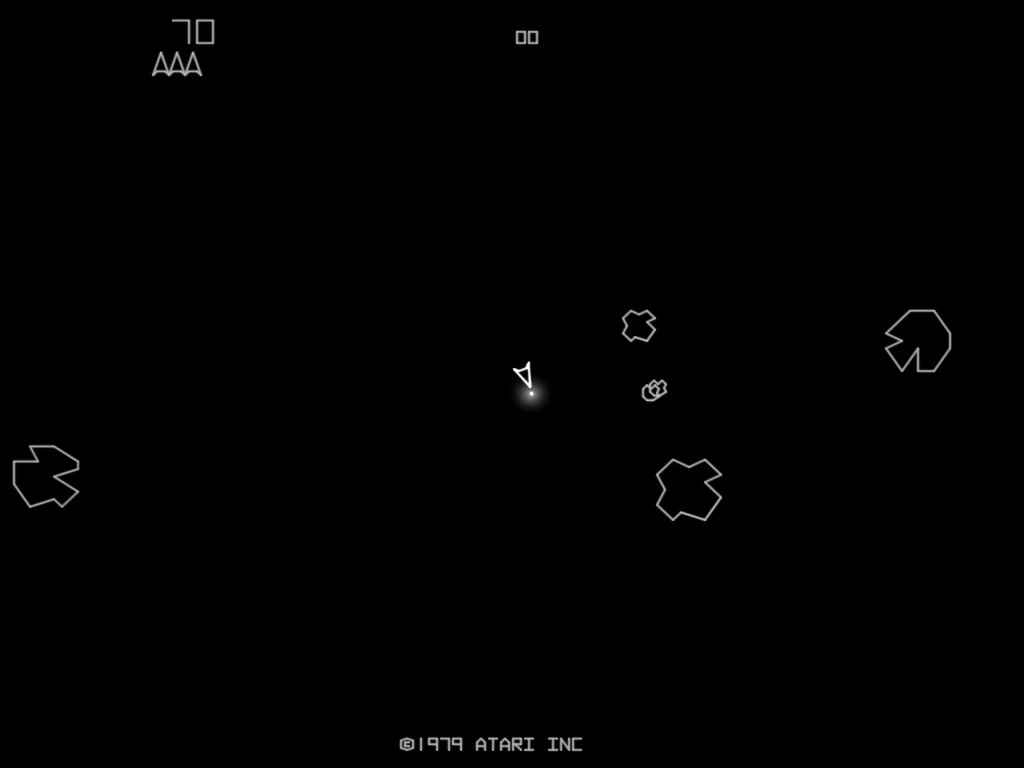
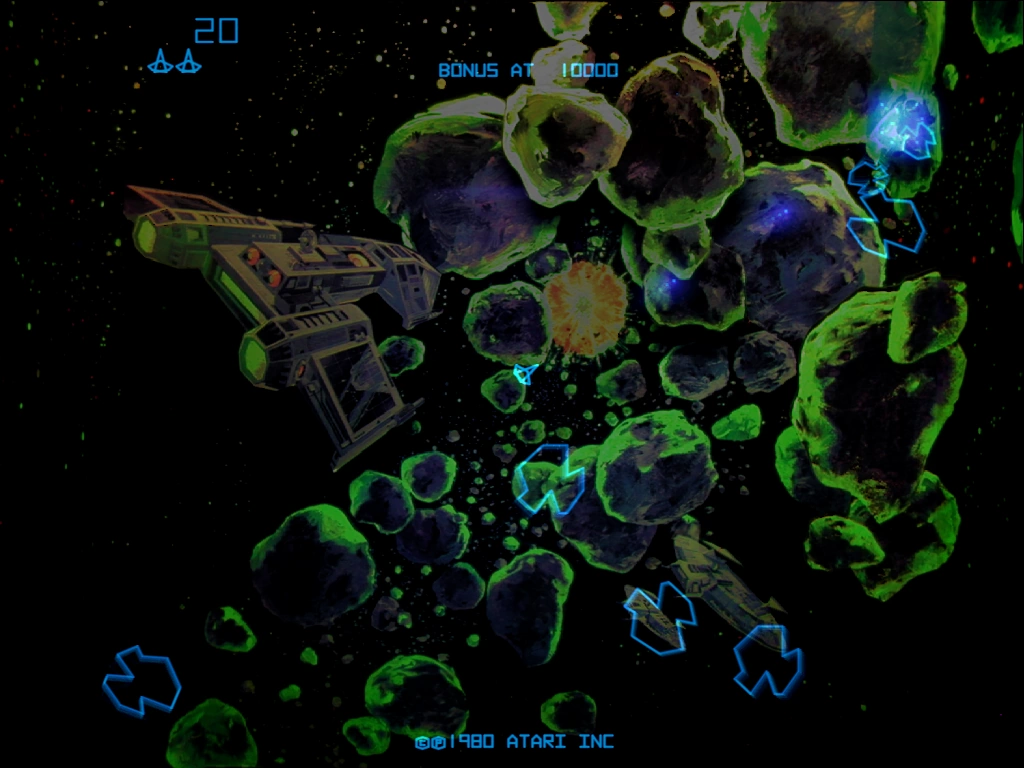
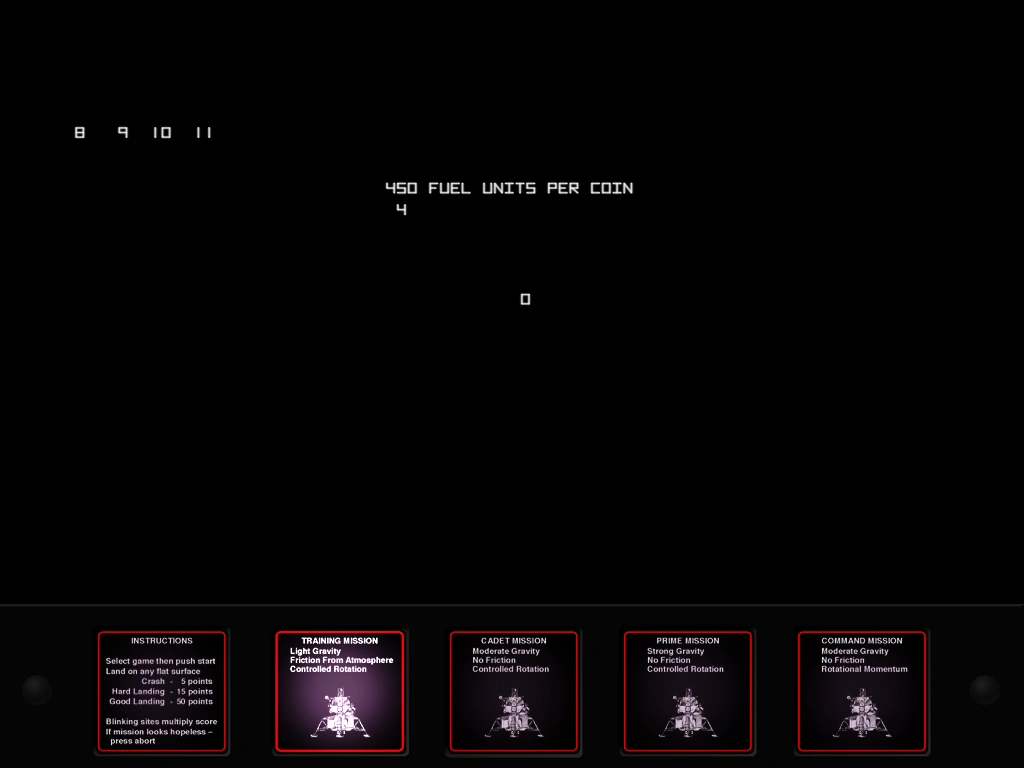
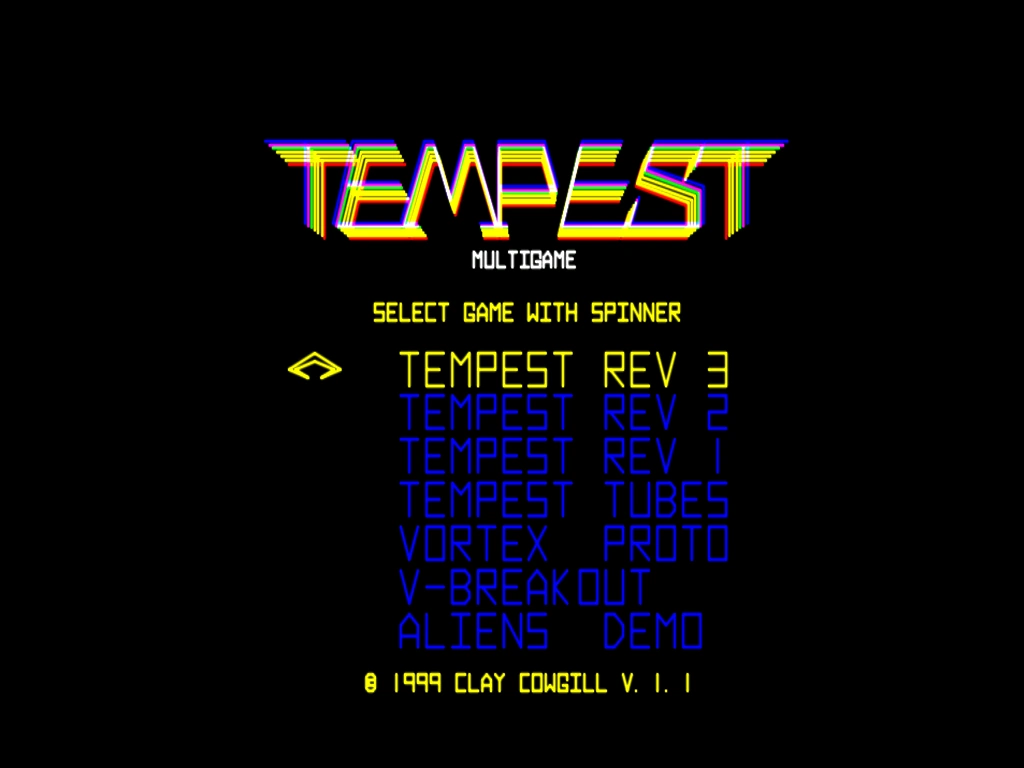
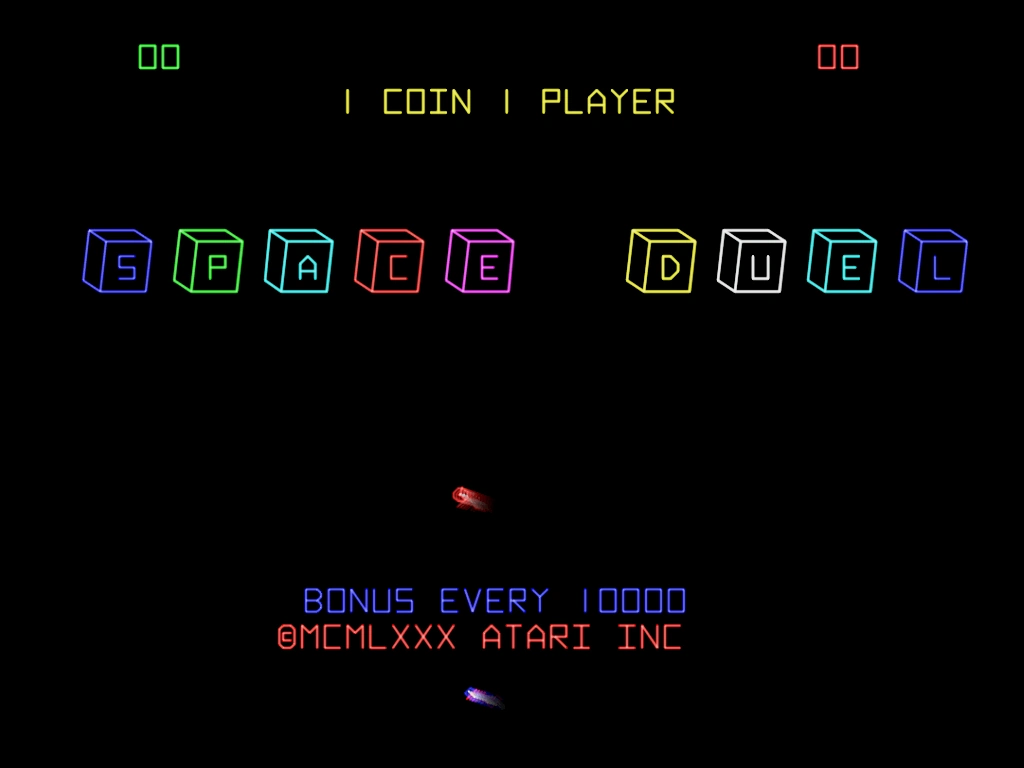
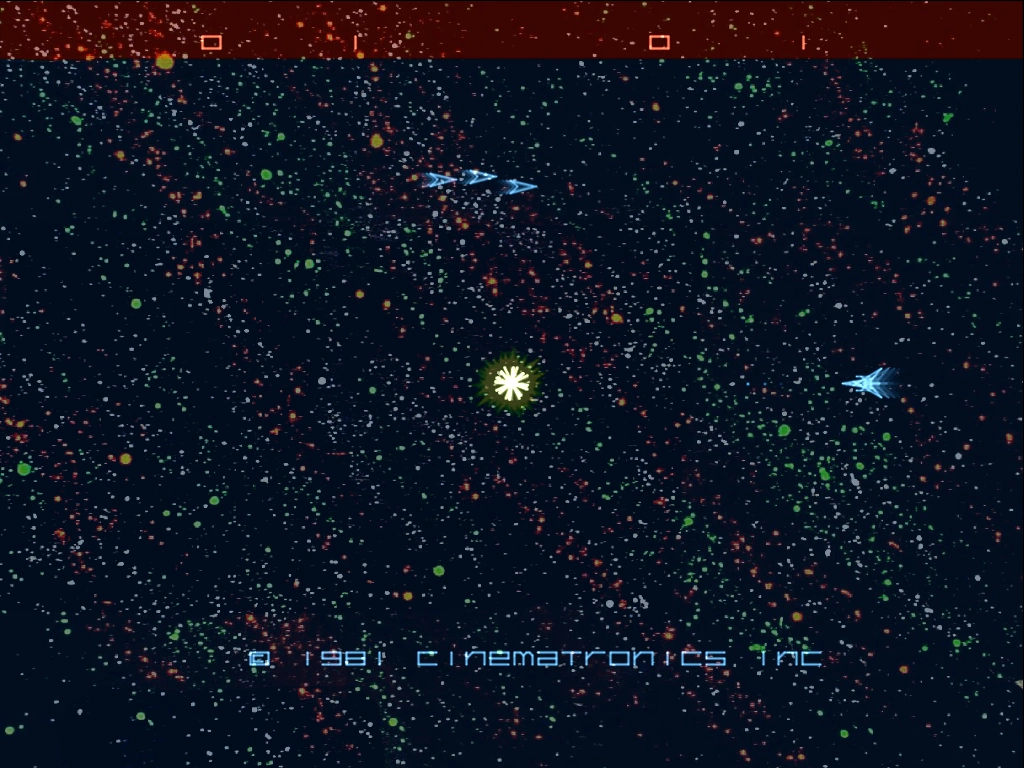
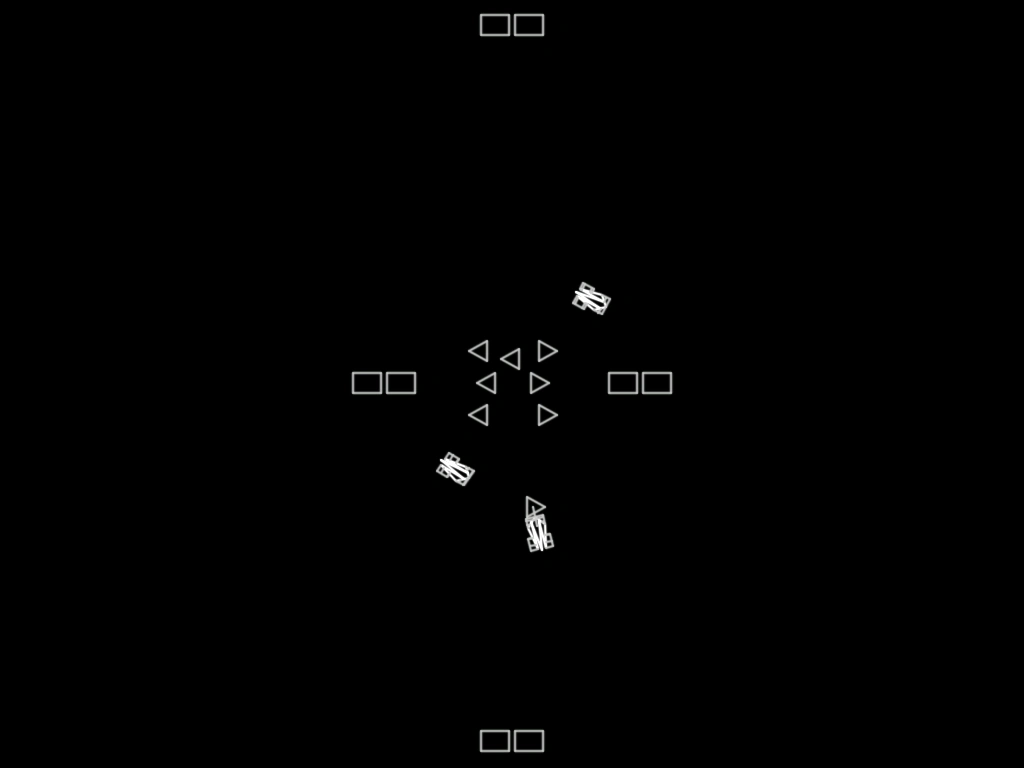
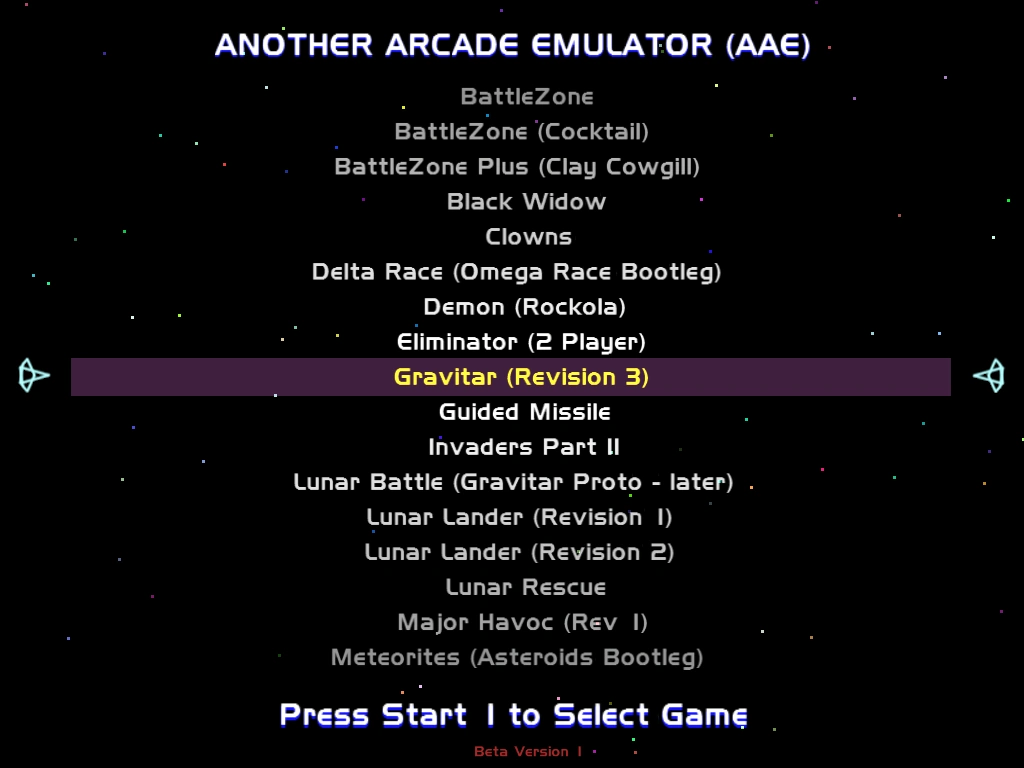
USAGE
Unzip AAE to the root of your hard disk, and either copy your current, split full mame romsets to the ROMS directory, or hand edit the aae.ini to point to your mame rom directory. Run AAE.EXE to start the built-in GUI, or aae gamename to run a specific game. See gamelist.txt for a full supported gamelist.
NOTES
AAE ABSOLUTELY REQUIRES a current video card to run properly. The Ultimarc ArcadeVGA WILL NOT WORK. AVGA2 works well!
Wells D9200 Owners should set to 800x600, no bezel artwork for best results.
HIT <TAB> in the GUI or in-game to access the menu system. ALL SYSTEM WIDE SETTINGS NEED TO BE SET BY RUNNING THE BUILT-IN GUI.