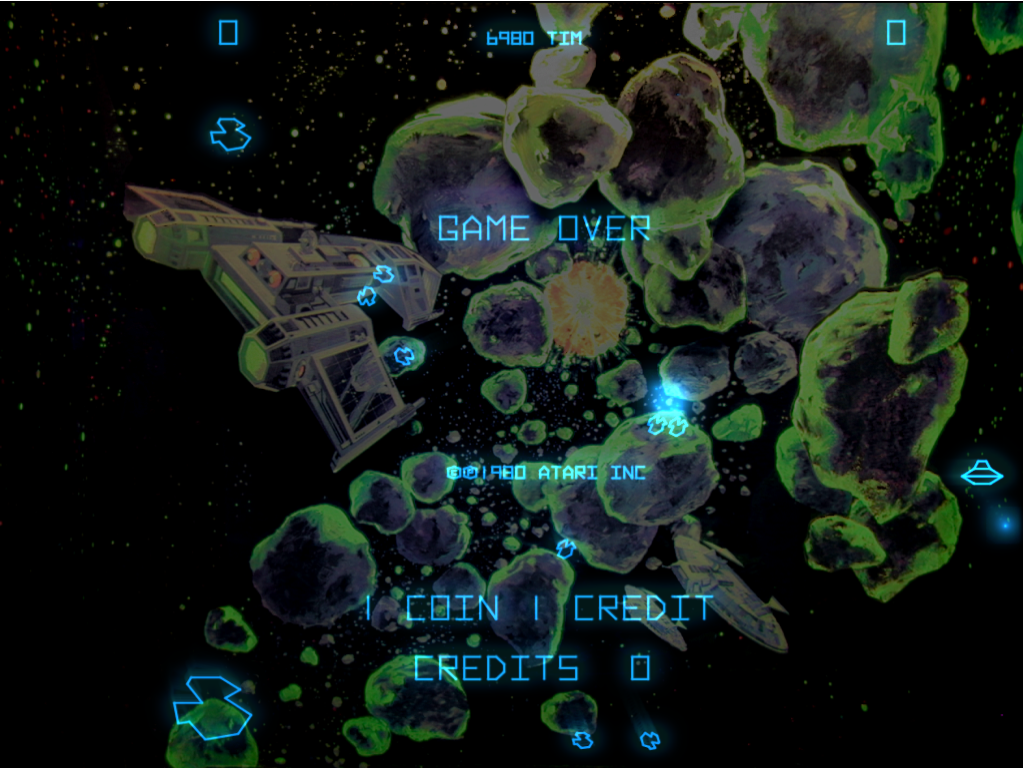
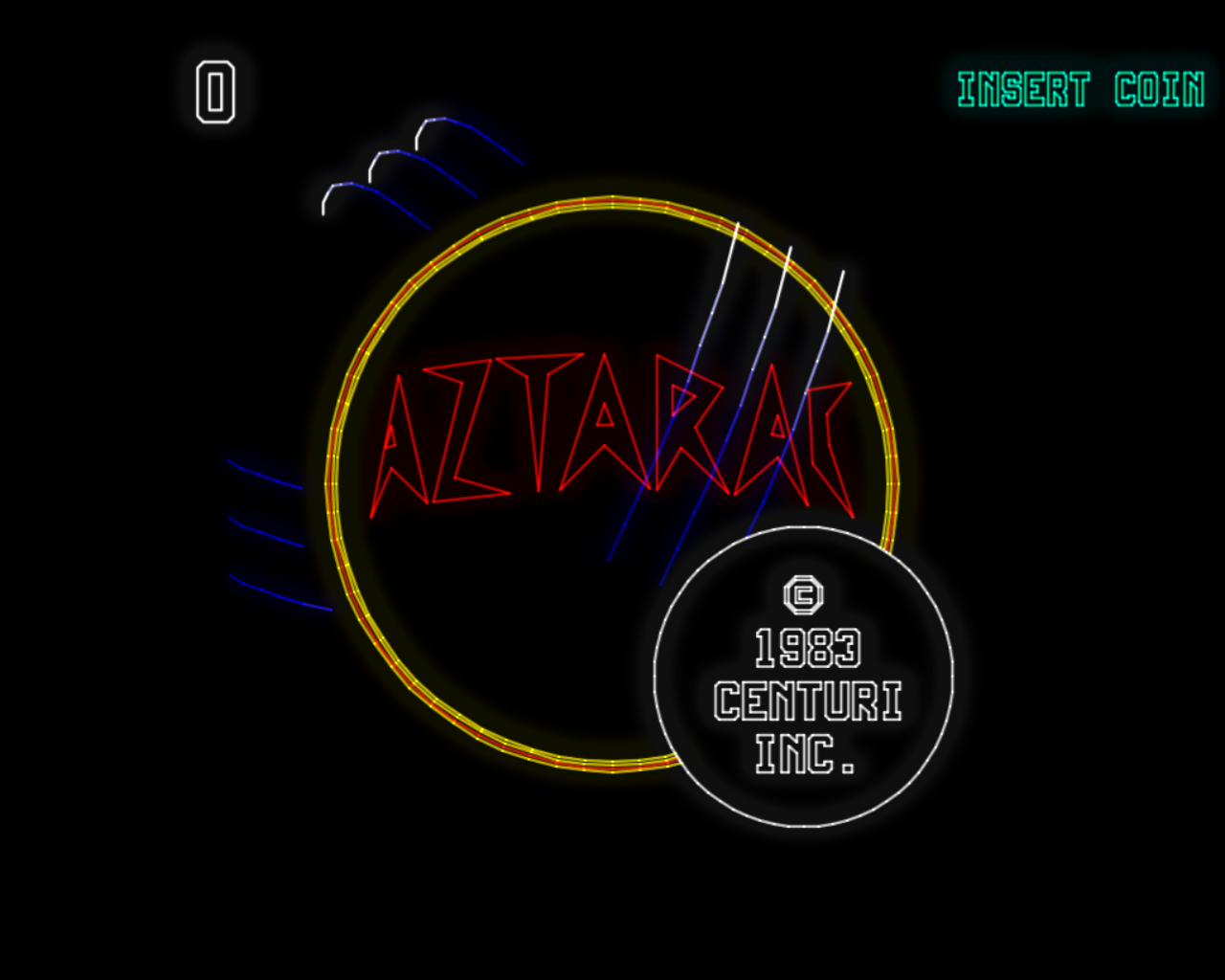
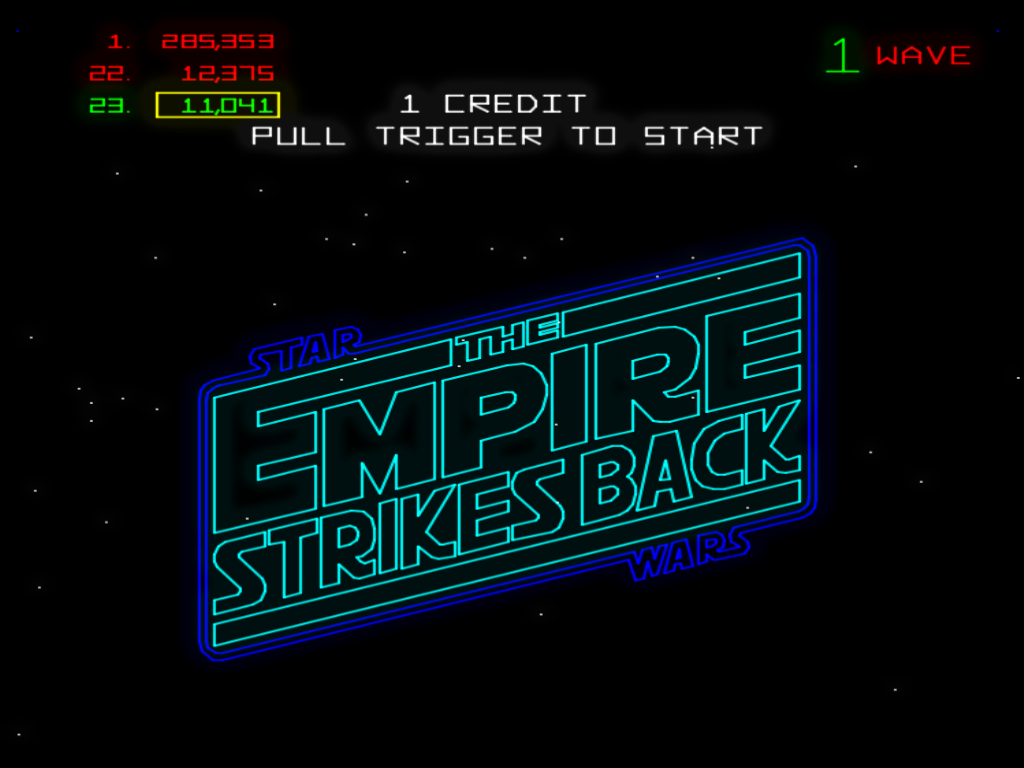
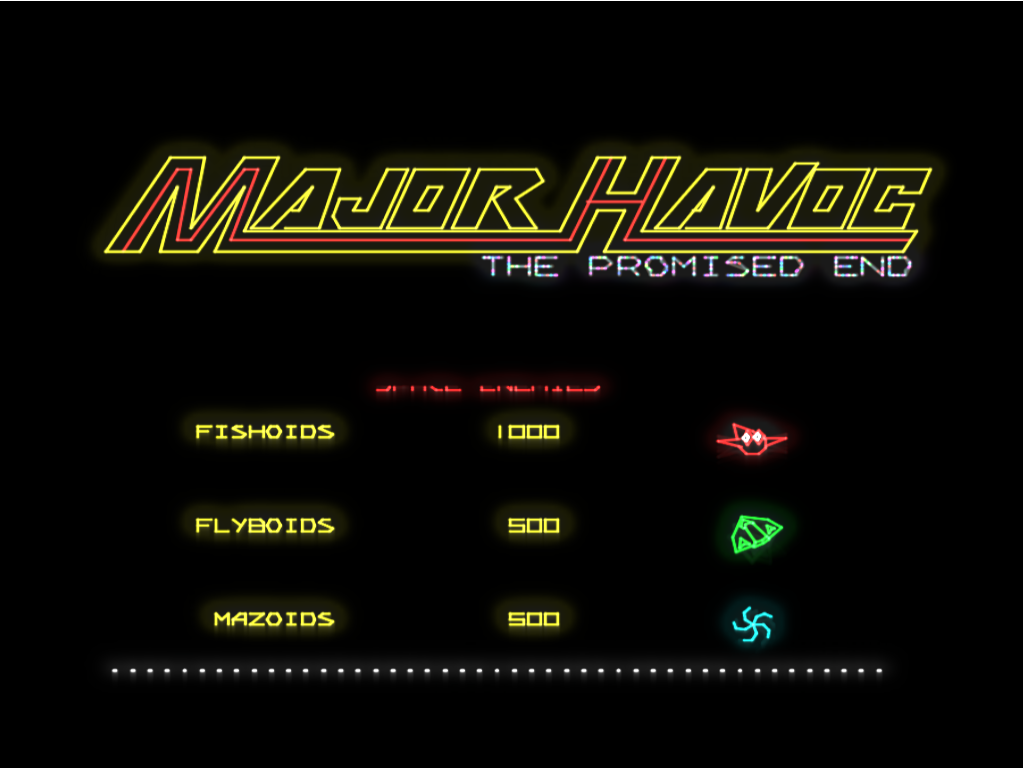
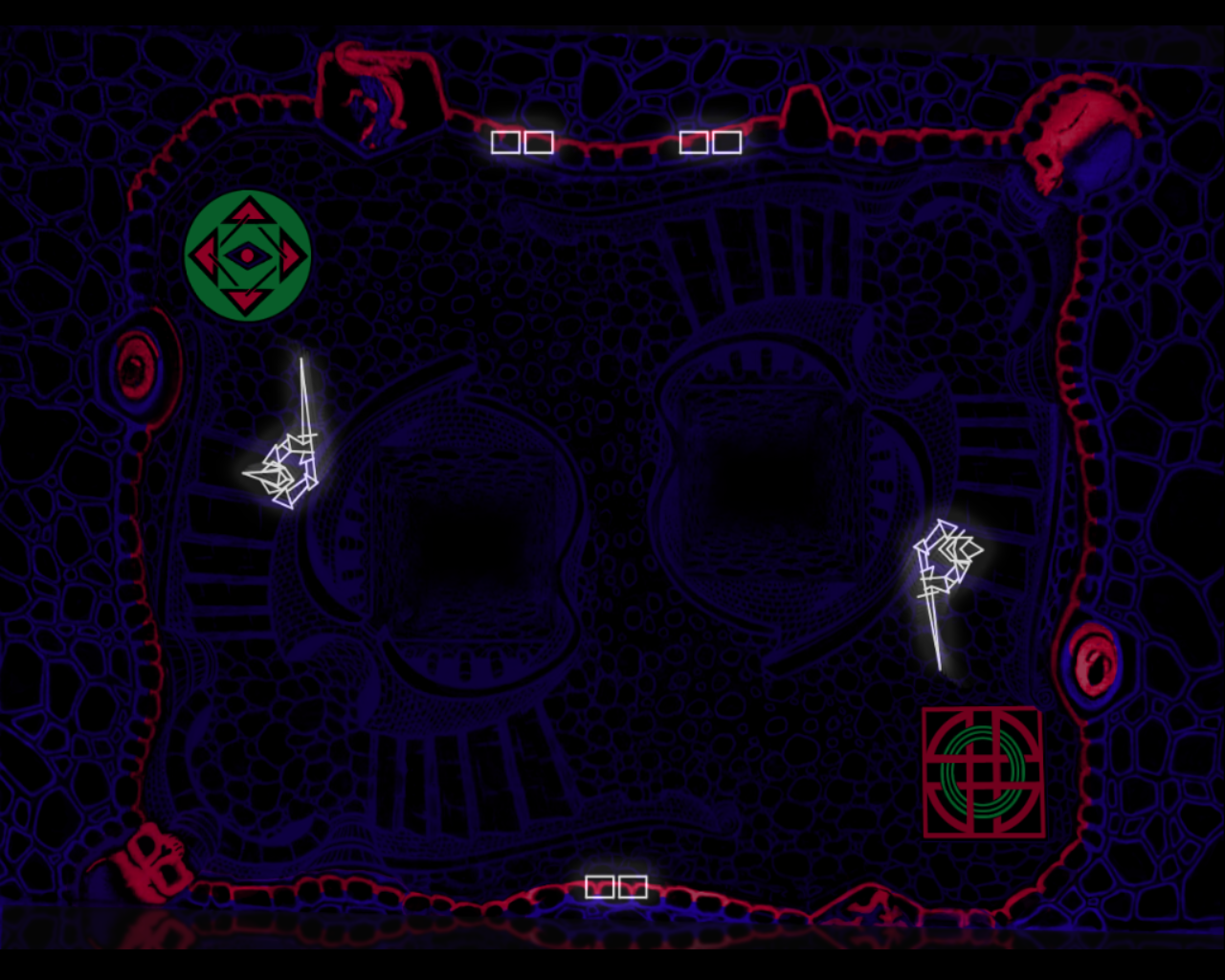
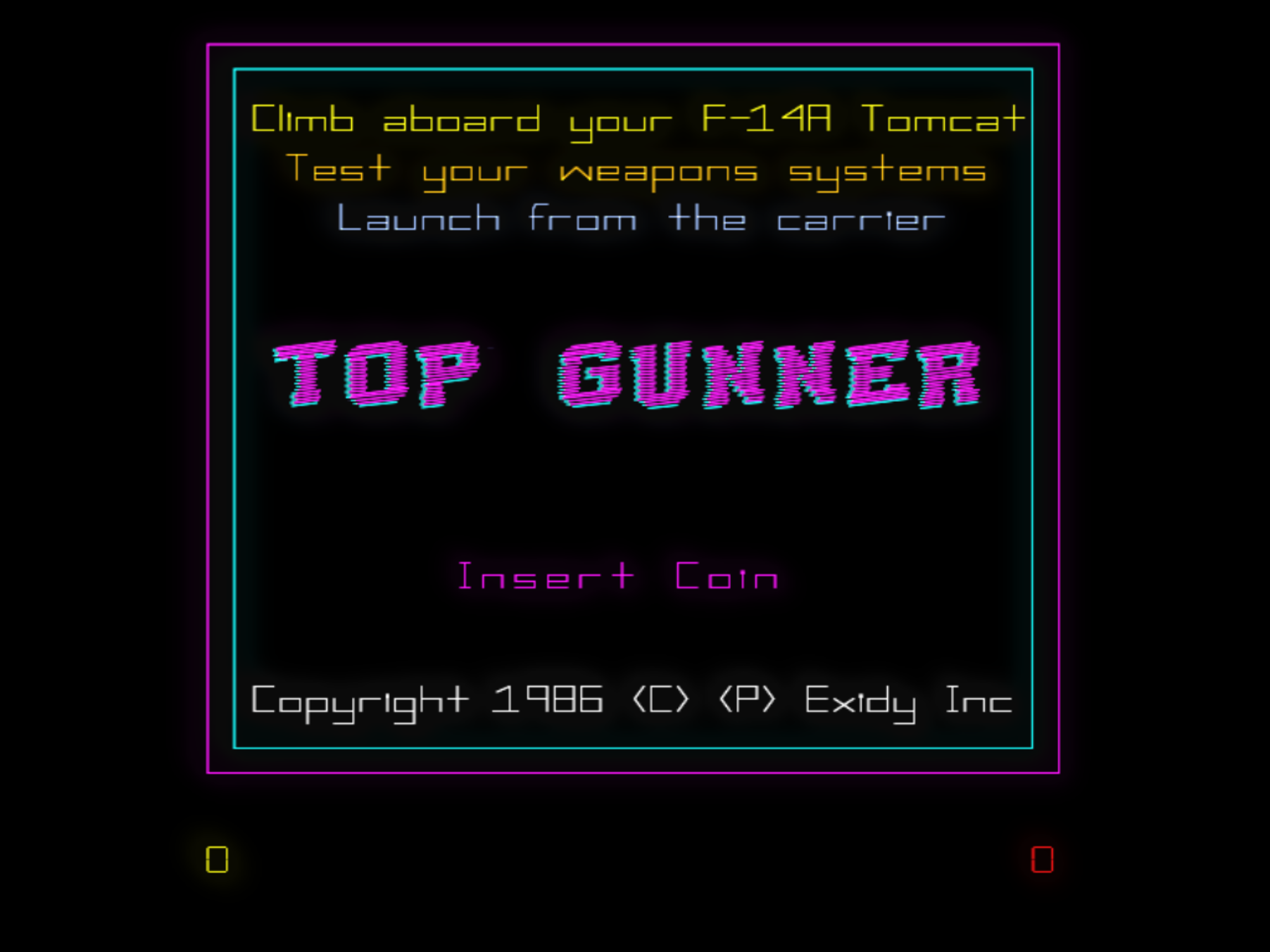
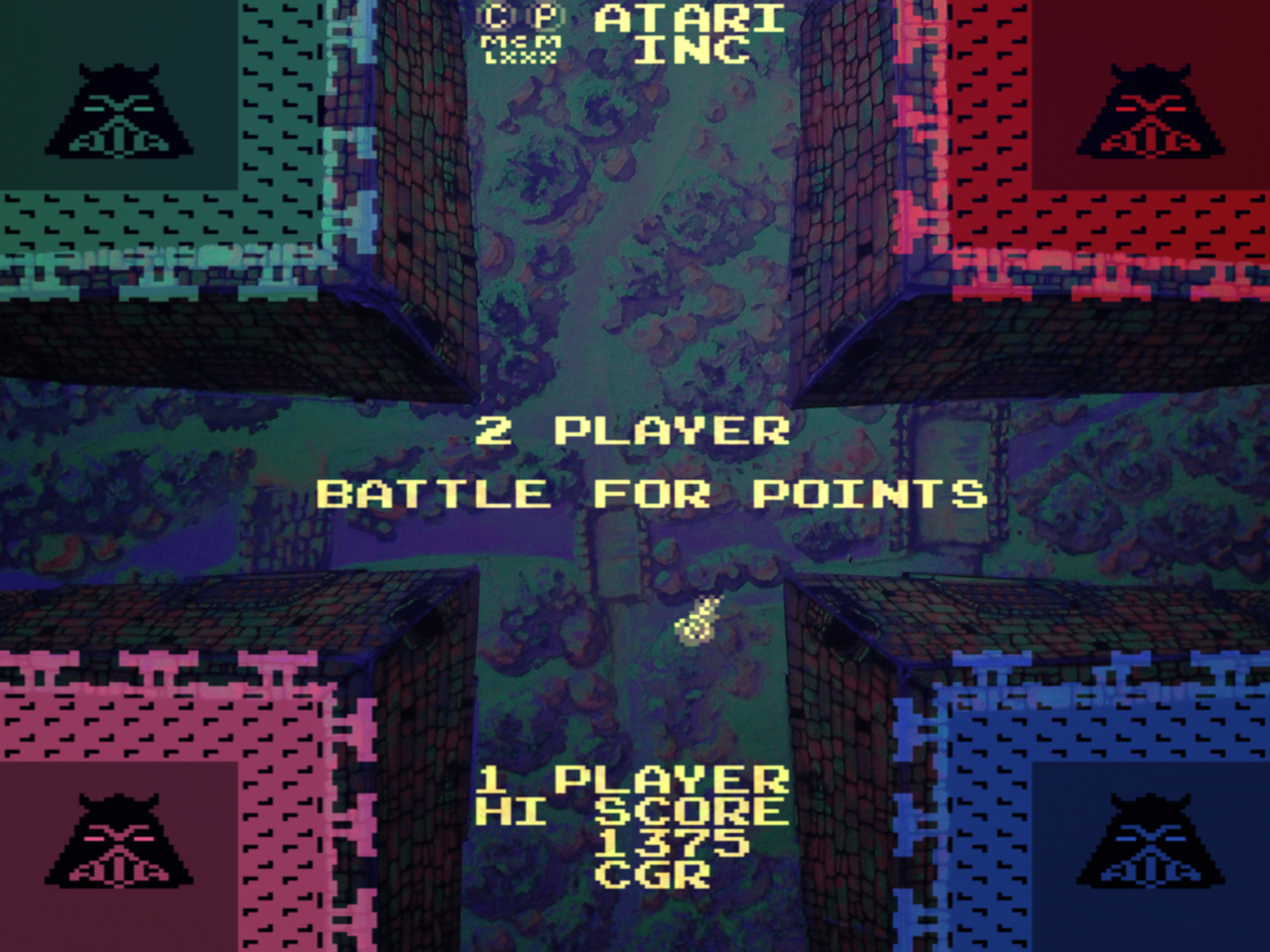
AAE brings glowing, phosphor-soft vector beams to your modern display — the way these games looked through a real CRT in a dark arcade, not as flat lines on a screen. 100+ games. XInput. XAudio2. No emulation compromises.

GPL v3 Windows 10 / 11 C++17 OpenGL 3.3 Active Renovation 100+ Games
scroll to explore

See the phosphor glow

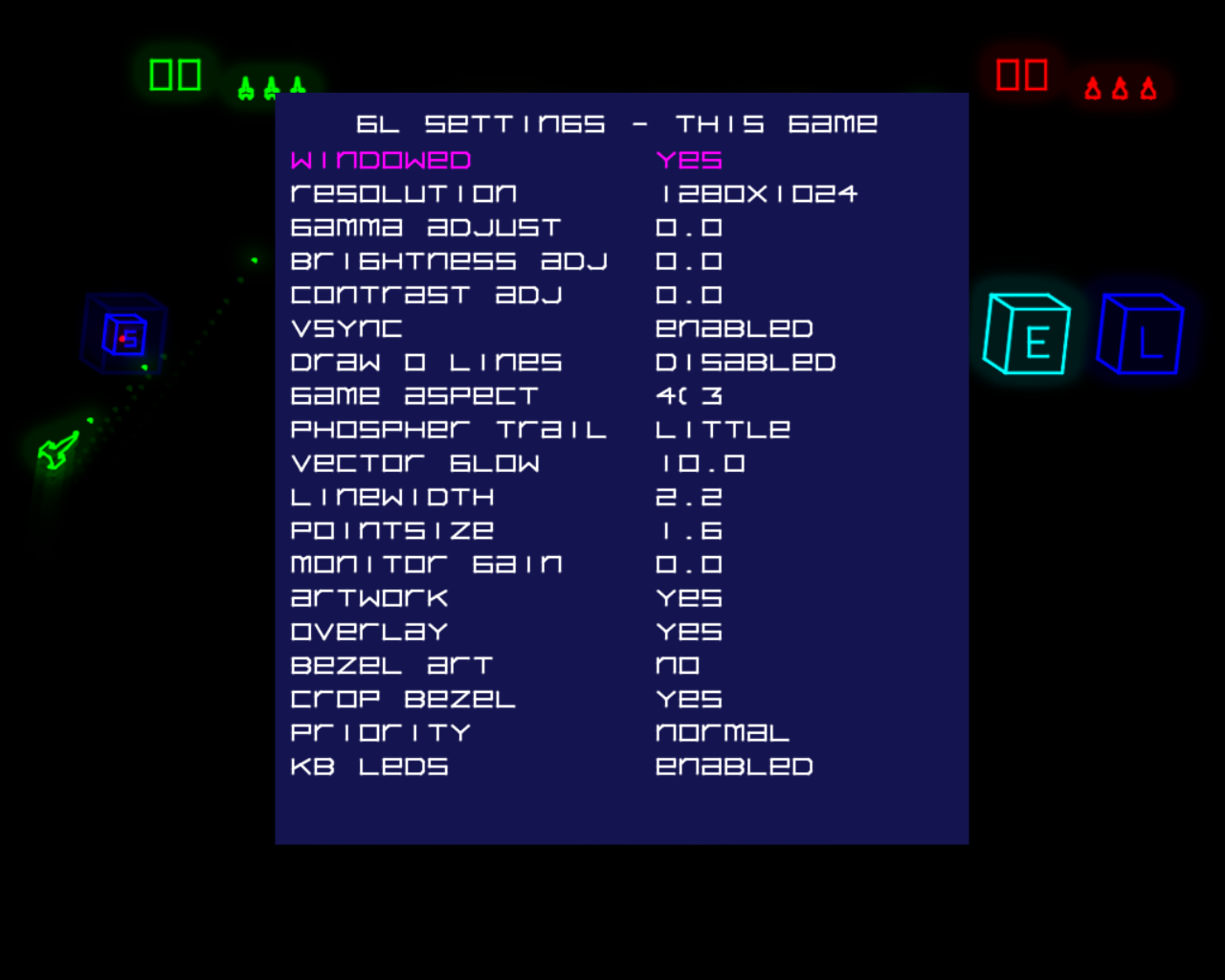
Bloom, beam falloff, and per-vector intensity through an OpenGL shader pipeline — tuned to look right on a modern OLED or FreeSync display.

Built for accuracy,
rebuilt from the ground up

Most of the original MAME infrastructure has been replaced. What's here now is custom code that has been improving steadily since 2008.

📡
Phosphor vector rendering
OpenGL 3.3 core shader pipeline with bloom, beam falloff, and per-vector intensity. Live tuning knobs for glow, line width, and brightness — per game.
🎮
Full XInput + keyboard
Xbox-style controllers with menu navigation, in-game control, and rumble support. Raw Input keyboard system with multi-device awareness.
🔊
Multithreaded XAudio2 engine
Custom stereo audio engine with high-quality resampling, no crackling, no leaks. POKEY, AY-3-8910, and TMS36xx sound emulation.
Custom CPU cores
All MAME CPU cores replaced with clean-room implementations except one: Aaron Giles' Cinematronics ccpu core, kept intentionally because it is a work of art.
🖼️
MAME-style artwork support
Full .lay artwork system — bezels, overlays, and scanlines for raster games, using current MAME ROM names throughout.
🗂️
C++ driver registry
Add or remove a game by adding or removing a single driver file. No driver.c editing, no build scripts to update.
🪟
Windows 10 / 11 & Win 7
Primary target is Windows 10/11 x64. A tested Windows 7 x64 build is also maintained for legacy hardware owners.
🕹️
Vector-first hardware accuracy
Atari AVG/DVG and Cinematronics hardware are the main focus. These are the games AAE was built for, and they receive the most careful attention.

17 years in the making

AAE started in 2008 as a poorly-written M.A.M.E derivative — a fork of early MAME (0.29 through .90) built solely for one developer's amusement and learning. The whole point was to make vector arcade games look right: glowing, phosphor-soft beams instead of flat lines.

After sitting untouched for the better part of seventeen years, it's back. The audio engine, input system, frame timing, rendering pipeline, ROM loader, artwork handling, memory management, the driver registry — and one by one, every CPU core — have been rewritten as custom, non-MAME code.

It still stands on the MAME team's shoulders, and that debt is acknowledged openly. All MAME-derived code remains the copyright of the MAME team. But the climb from "early-MAME fork" to "almost everything here is mine now" has been the entire journey.

C++17 OpenGL 3.3 XAudio2 XInput Raw Input Visual Studio 2022 Windows x64
2008 Project started
100+ Emulated games
1 MAME CPU core remaining
GPL3 License
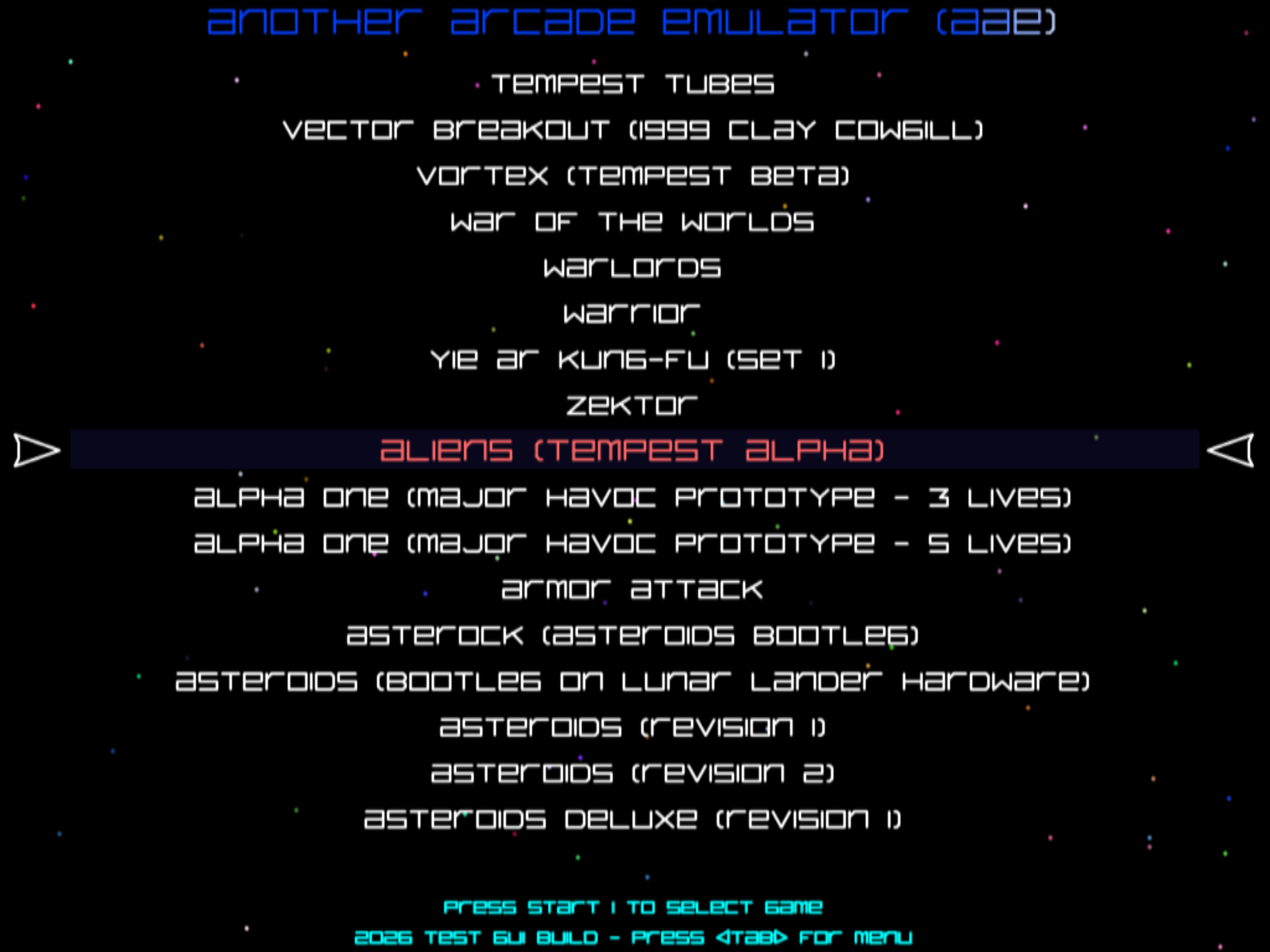
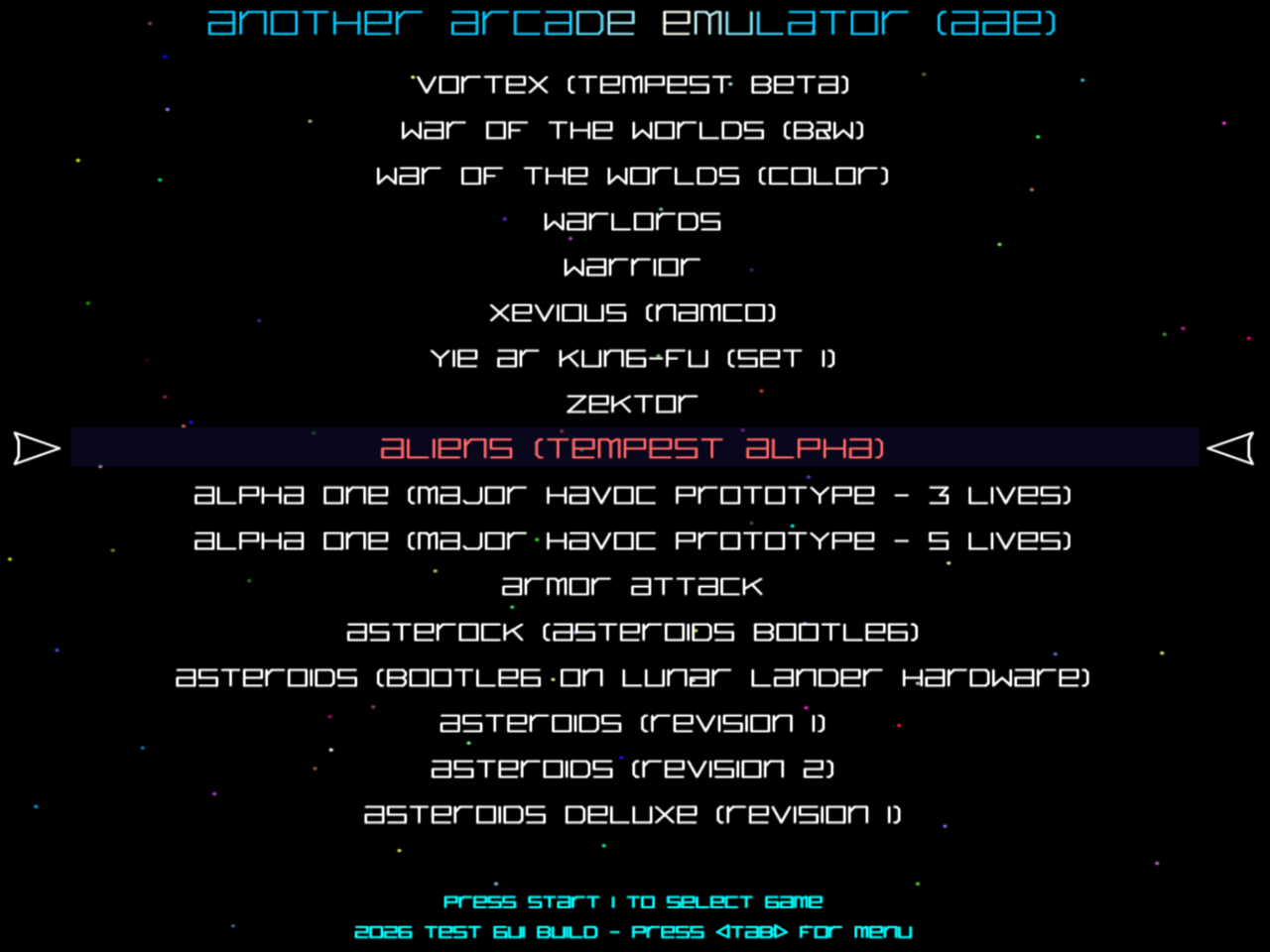
AAE built-in vector frontend

Vector games first,
a few raster games for fun

Vector arcade hardware is what AAE was built for. A raster path was added along the way, which brought a handful of classics along for the ride.

Vector games — the main event
  • Asteroids
  • Asteroids Deluxe
  • Tempest
  • Major Havoc
  • Major Havoc: The Promised End
  • Battlezone
  • Red Baron
  • Gravitar
  • Space Duel
  • Black Widow
  • Lunar Lander
  • Star Wars
  • The Empire Strikes Back
  • Aztarac
  • Cosmic Chasm
  • Star Castle
  • Rip Off
  • Armor Attack
  • Warrior
  • Omega Race
  • Solar Quest
  • War of the Worlds
  • MultiTempest
  • + many more
Raster games — along for the ride
  • Warlords
  • Galaxian
  • Galaga
  • Bosconian
  • Pac-Man
  • Ms. Pac-Man
  • Jr. Pac-Man
  • Super Pac-Man
  • Millipede
  • Centipede
  • Missile Command
  • Mappy
  • Dig Dug
  • Rally-X
  • Gyruss
  • Phoenix
  • Pleiads
  • Xevious
  • Space Invaders
⚠ The full supported romset list (100+) is available inside the app — open the built-in game menu to browse everything AAE currently runs. AAE uses current MAME ROM names.
Download AAE v1.5 Latest

Unzip to the root of your hard disk. Copy your MAME romsets to the ROMS directory or edit aae.ini to point at your existing ROM folder. Run AAE.EXE for the built-in GUI, or aae gamename for a specific title.

▌ Latest: v1.5 Released Jun 24, 2026 Clean-room CPU core work continues — only the Cinematronics ccpu core remains from MAME. Renderer and audio refinements throughout. Release notes →
Platform Windows 10 / 11 x64 (Windows 7 build also available)
GPU Modern GPU required. Ultimarc ArcadeVGA unsupported. AVGA2 works.
Controls Press TAB in-game or in the GUI to access the menu system
ROMs are not included. You must supply legally-obtained arcade ROMs. AAE is an archival, non-commercial project.

Up and running in minutes

AAE is designed to feel familiar to anyone who has used MAME — same ROM names, same general workflow.

Download & unzip
Grab the latest release from GitHub Releases. Unzip the archive to the root of your hard disk (e.g. C:\AAE\). A modern GPU with OpenGL 3.3 support is required.
Add your ROMs
Copy your MAME split full romsets to the ROMS directory, or hand-edit aae.ini to point at your existing MAME ROM folder. AAE uses current MAME ROM names.
Launch the GUI
Run AAE.EXE to start the built-in vector frontend and browse all available games. Press TAB at any time to access the full settings menu. All system-wide settings must be configured here first.
Or launch a game directly
Run aae asteroids (or any game name) from the command line to jump straight into a game. See gamelist.txt or Command Line Options for the full list and available flags.